
Google's UCP Integration Hub in Merchant Center: How to Get Your Store In

Google has started rolling out a UCP integration hub in Merchant Center. It's where a US merchant chooses how shoppers in AI Mode and Gemini buy its products: transfer the cart to the merchant's own site, check out natively on Google, or sign in with the merchant's own account. According to PPC Land, the rollout began on 6 October.
The hub sits on top of the Universal Commerce Protocol. Before Merchant Center lets you in, your store needs a working UCP implementation. This post covers what the hub offers, how onboarding works, what Google's developer guides require, and how to check your store before you apply.
What is the UCP integration hub?
The UCP integration hub is a section of Google Merchant Center where merchants enable and manage UCP-powered buying on Google's AI surfaces. Google's help page lists what it lets merchants do:
- Show checkout buttons on eligible product listings in AI Mode in Google Search and in Gemini.
- Transfer carts from Google to the merchant's own site.
- Test enhanced checkout flows, including native checkout on Google.
- Link customer identities, so a shopper can sign in with their account at the store.
Google's UCP overview page adds that the merchant "will remain the seller of record", and that shoppers pay with Google Pay using payment methods and addresses saved in Google Wallet.
The three ways to sell through it
Cart transfer. The shopper builds a basket on Google and moves it to your site to finish buying. Google's Cart API guide describes a single call: Google collects the items locally, and when the shopper clicks to transfer, it sends one POST with all the line items. Your server creates the cart and returns it with totals, currency, an expires_at time and a continue_url that takes the shopper to your cart or checkout page. It is one-way: Google creates the cart and nothing syncs back.
Native checkout. The purchase completes on Google, through your servers. Google calls a REST API you run to create, update and complete a checkout session, and the native checkout guide sets service levels for it: at least 95% availability, and median response times of one second to create or update a session and six seconds to complete one. Only products opted in with the native_commerce attribute show the "Buy" button.
Identity linking. Shoppers connect their account at your store, so member pricing, loyalty and saved details carry over. PPC Land notes this runs over OAuth 2.0.
Cart transfer keeps the final step on your site. Native checkout keeps the shopper on Google. You can offer both.
How onboarding works
Google's help page gives four steps:
- Complete the technical implementation, following Google's UCP developer guide.
- Submit the interest form.
- Wait to be selected. Google notifies the merchants it picks.
- Test in the sandbox, where Google validates your UCP profile, cart transfer and native checkout APIs.
So this isn't a switch in Merchant Center that anyone can flip. You build first, apply, and Google chooses.
What your store needs before you apply
Google's guides spell out the UCP side:
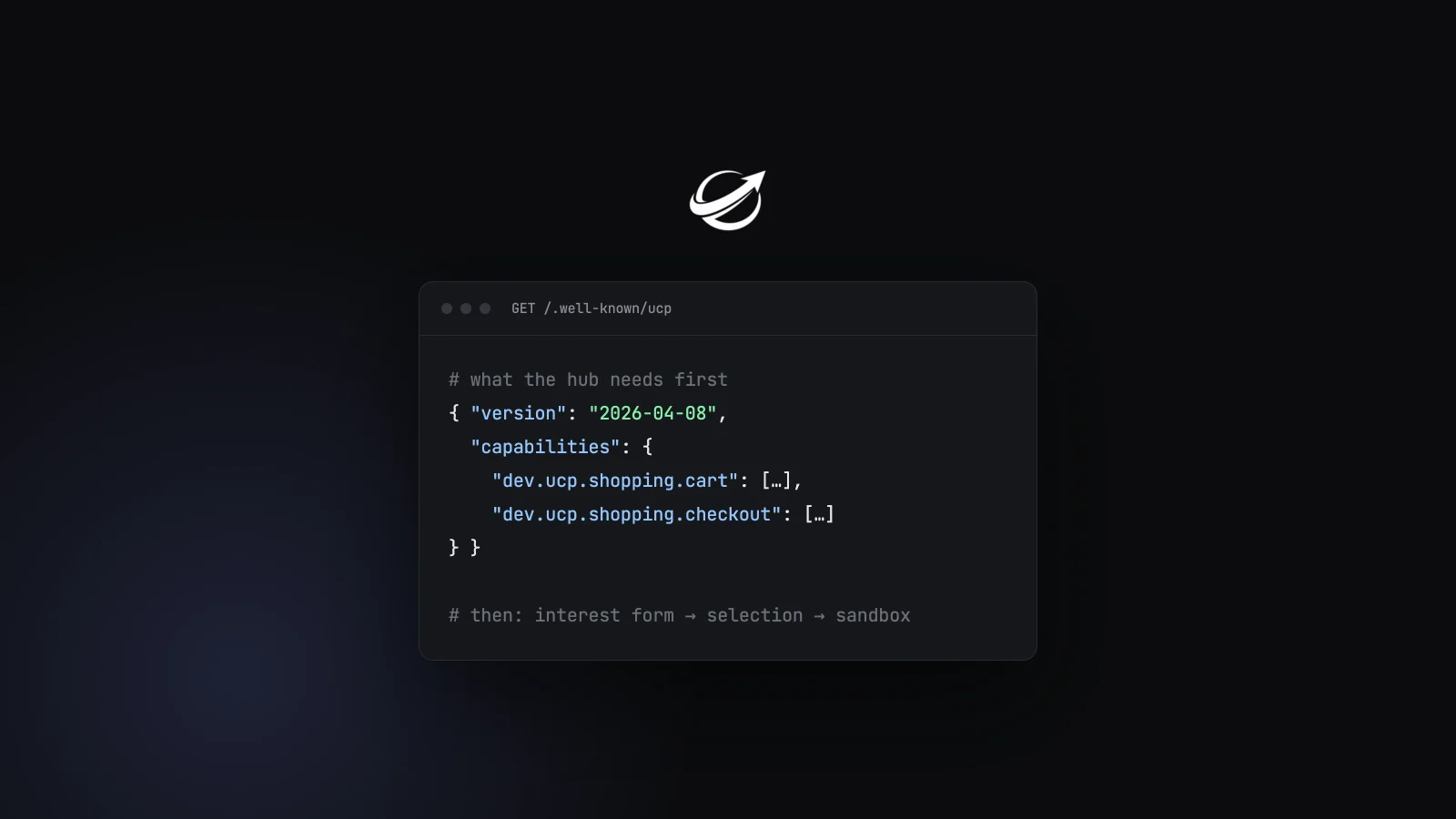
- A UCP profile at
/.well-known/ucp. This is how Google finds out what your store supports. - The cart capability,
dev.ucp.shopping.cart, for cart transfer. - UCP version 2026-04-08 or later for the Cart API. Cart doesn't exist in the January 2026 release.
- A checkout API for native checkout, with the session states UCP defines (
incomplete,ready_for_complete,completedand so on). - The Google Pay payment handler for native checkout payments.
The guides we read are written against 2026-04-08, with native checkout also documented for 2026-01-23. The latest UCP release, 2026-08-25, isn't referenced in them yet.
Where stores stand today
On UCP Checker's public stats for 8 October, almost every verified UCP profile in our census already declares 2026-04-08 or later: about 58% are on 2026-08-25 and about 42% on 2026-04-08. Around 98% declare the cart capability and 97% declare checkout. Identity linking is lower, at about 57%.
Those figures mostly reflect two platform decisions, not thousands of separate ones. On our platforms page, Shopify and Wix, both hosted platforms, account for about 96% of verified profiles. For most merchants, what Google evaluates is likely to be their platform's UCP implementation.
They are also declarations, not approvals. A profile that declares cart and checkout meets Google's starting conditions. Whether Google selects the store, and whether its endpoints meet the service levels, is a separate test.
Where it's available
- United States: rolling out gradually now.
- Australia and Canada: "next year", per Google's help page.
- United Kingdom and elsewhere: no date given.
Google's UCP overview page says UCP checkout applies to products eligible in the US, Canada and Australia, so the hub follows the same three markets, with the US first.
Check your store before you apply
The first thing Google's sandbox validates is your UCP profile. Before you fill in the interest form:
- Run your domain through the UCP Checker to see whether your
/.well-known/ucpprofile is found and valid, which version it declares, and whether it lists cart, checkout and identity linking. - Use the UCP validator for a deeper look at the profile, and the catalog validator to check the product records an agent receives.
- If you're on a hosted platform, check what the platform has already turned on before building anything yourself.
FAQ
What is the UCP integration hub in Merchant Center? A section of Google Merchant Center where merchants enable UCP-powered buying on AI Mode and Gemini: checkout buttons, cart transfer to their own site, native checkout on Google, and identity linking.
Is the UCP integration hub available to everyone? No. It's rolling out gradually in the US. Merchants build their UCP integration, submit an interest form and wait for Google to select them.
What's the difference between cart transfer and native checkout? Cart transfer sends the shopper's basket to your site, where they finish buying. Native checkout completes the purchase on Google, through your checkout API, with Google Pay.
Which UCP version do I need? 2026-04-08 or later for the Cart API. Google's native checkout guide also documents 2026-01-23.
Do I stay merchant of record? Yes. Google says the merchant remains the seller of record.
When is it coming to Canada, Australia or the UK? Australia and Canada are expected next year. Google hasn't given a date for the UK.
How do I check whether my store is ready?
Check that your store publishes a valid UCP profile at /.well-known/ucp that declares the cart and checkout capabilities at 2026-04-08 or later. The UCP Checker shows this for any domain.
About UCP Checker
UCP Checker is the independent validation and observability layer for the Universal Commerce Protocol. We crawl, validate and grade every public UCP manifest we can find, run the merchant directory, the UCP Score, live adoption stats, the vertical guides and the authority-bound vendor map, and track the spec as it evolves so you don't have to — measured from two vantages (what a business declares, and what actually happens when an agent transacts), the same way for everyone, without picking winners.
Sources
- How to onboard to the UCP integration hub in Merchant Center, Google Merchant Center Help
- About the Universal Commerce Protocol (UCP) and UCP-powered checkout feature on Google, Google Merchant Center Help
- UCP Integration Interest Form, Google Merchant Center Help
- Cart API, Google for Developers
- Native checkout overview, Google for Developers
- UCP developer guide, Google for Developers
- Canada and Australia face 2027 wait for Google's Merchant Center UCP hub, PPC Land, October 2026
- UCP Checker adoption stats, figures as of 8 October 2026
- UCP Checker: UCP by platform, figures as of 8 October 2026
Related coverage: Google Universal Cart and UCP · TikTok Buy Direct Runs on UCP · Salesforce Named a Date for UCP · UCP for Retail
Check your domain's UCP status
See if your storefront is ready for agentic commerce in seconds.
UCP's Ask Is Merged: Six Review Questions and How the Spec Answered Them
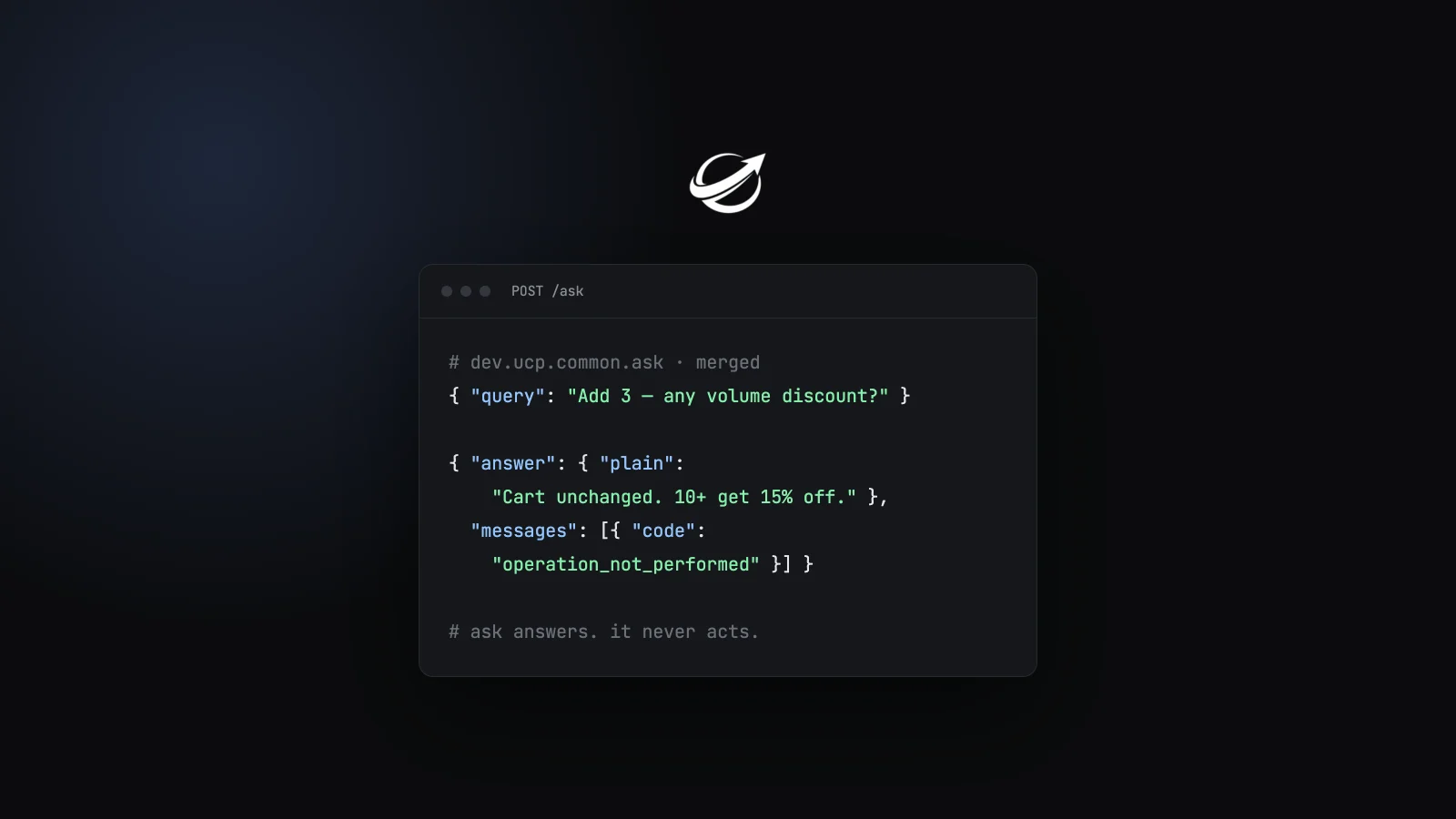
The ask capability merged on 7 October as dev.ucp.common.ask, no longer shopping-only. The six design questions raised i...
UCP Gets a Product Feed: Inside the Catalog Feed Draft
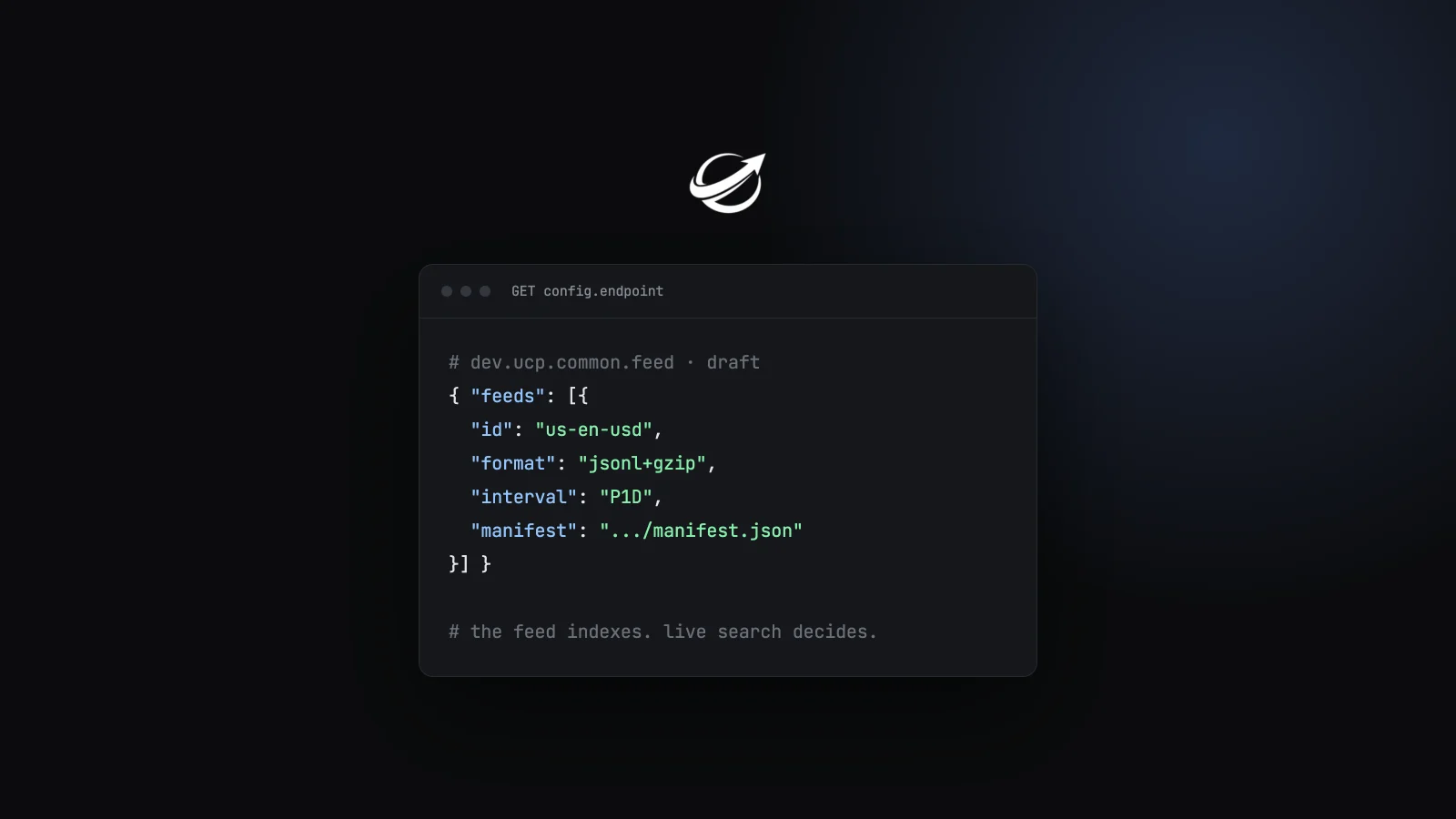
UCP has been live-only: agents ask a store's catalog and get today's answer. A working-group draft, PR #866, adds bulk c...
Video, 3D and Image Variants in UCP: What the New Media Type Adds, and What Stores Send Today
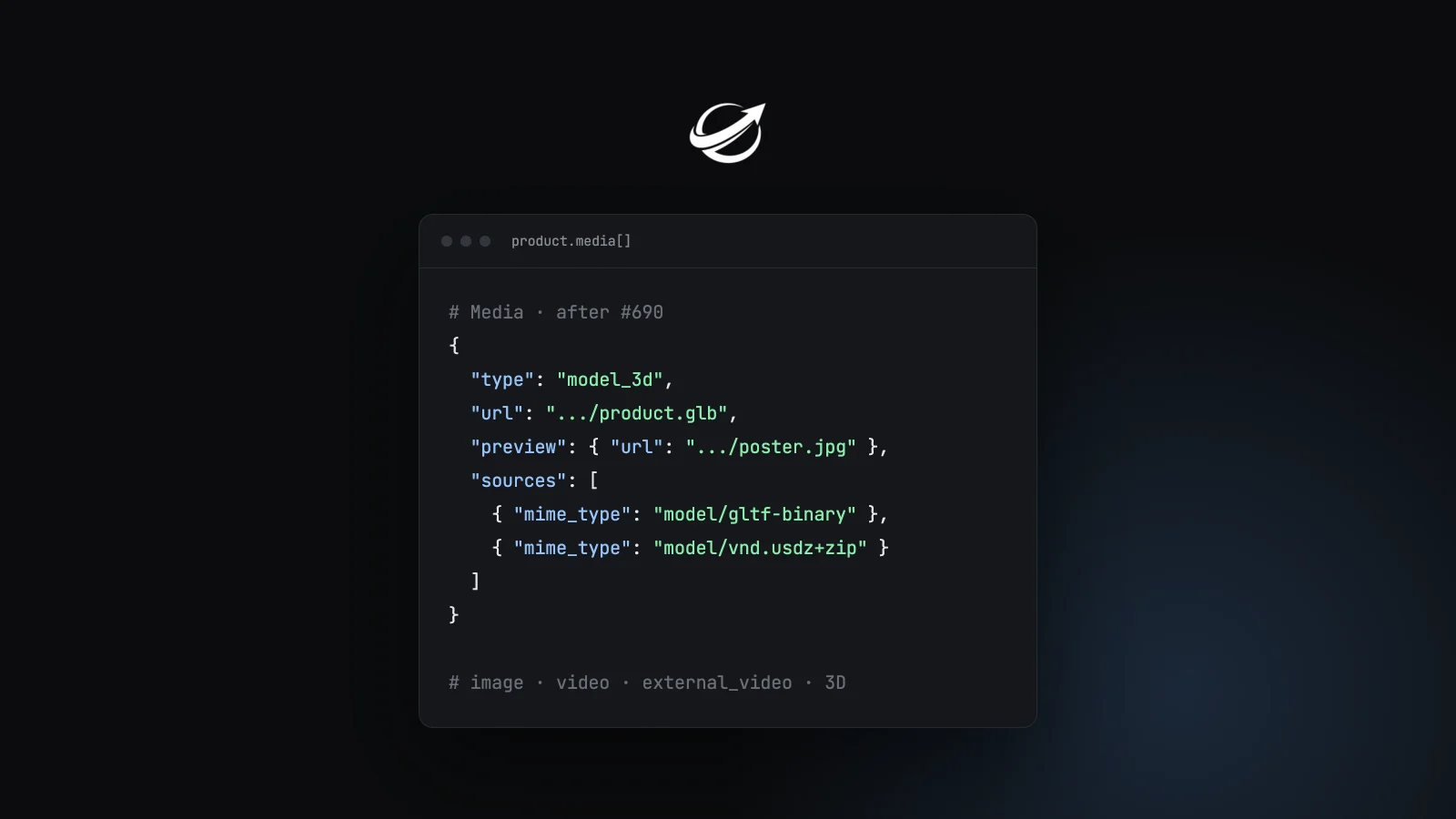
UCP's Media type was one URL and one pair of dimensions. PR #690 adds image encodings, video renditions and streams, ext...
Get the agentic commerce digest every Monday
Real adoption data, ecosystem trends, new spec versions, and the stores that broke or recovered this week. Read by founders and engineers building the next generation of commerce.