
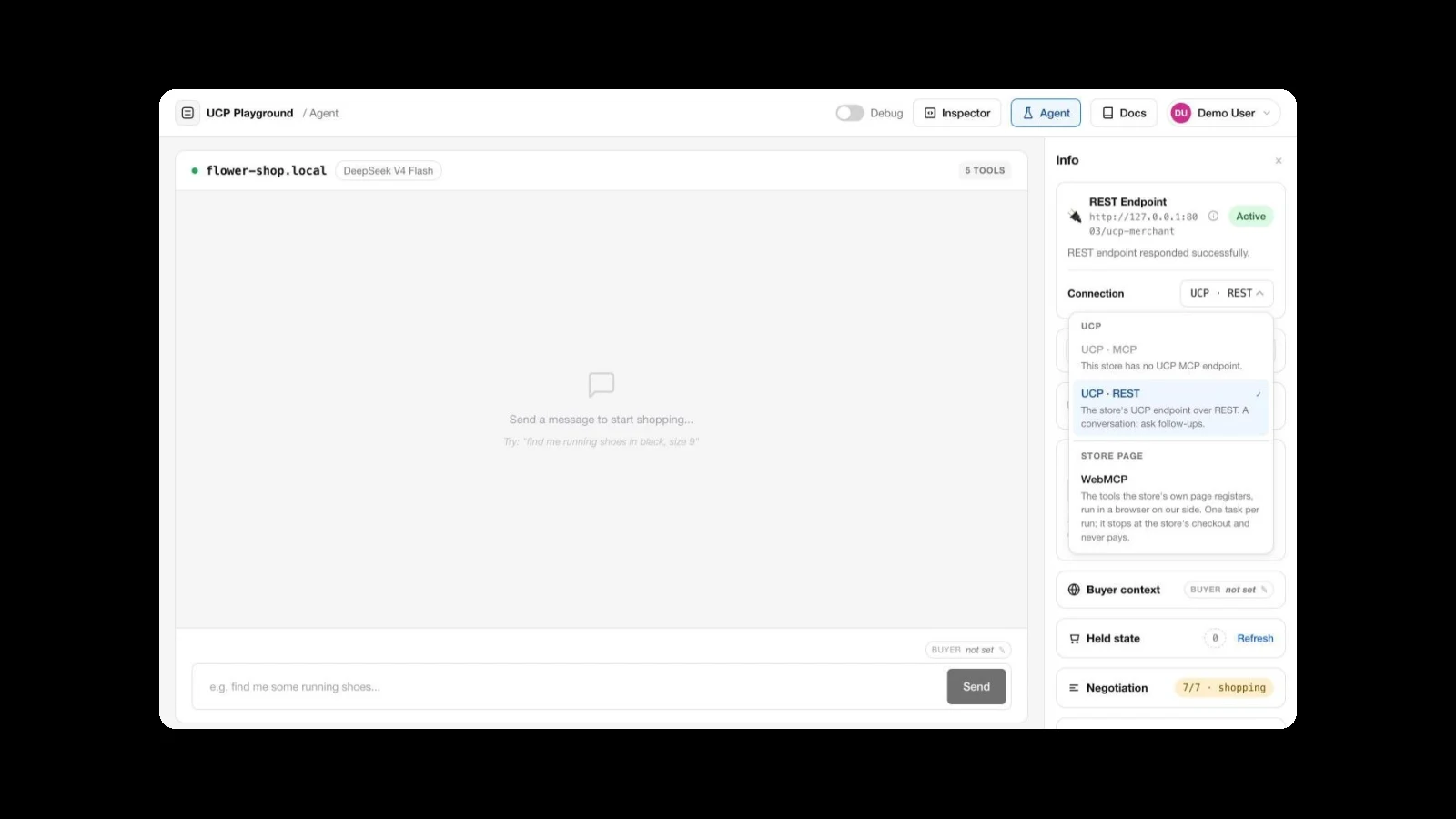
Shop through the store page: WebMCP runs in Playground 0.22.0

Many stores now have two ways in for an AI agent. One is the store's UCP endpoint, which an agent reaches over MCP or REST from anywhere. The other is new: tools registered by the store's own web page through WebMCP, which an agent uses from inside a browser. Shopify now serves WebMCP tools on every Liquid storefront, and on 28 September opened its checkout to browser agents through them. Why the two routes behave differently is the subject of Two routes to checkout.
Playground 0.22.0 lets you test that second way in. An agent can run a shopping task through a store's page tools, every run is kept as a replay with screenshots of what a shopper would have seen, and the Tool Inspector lists a page's tools beside the store's UCP tools so you can see what each route offers.
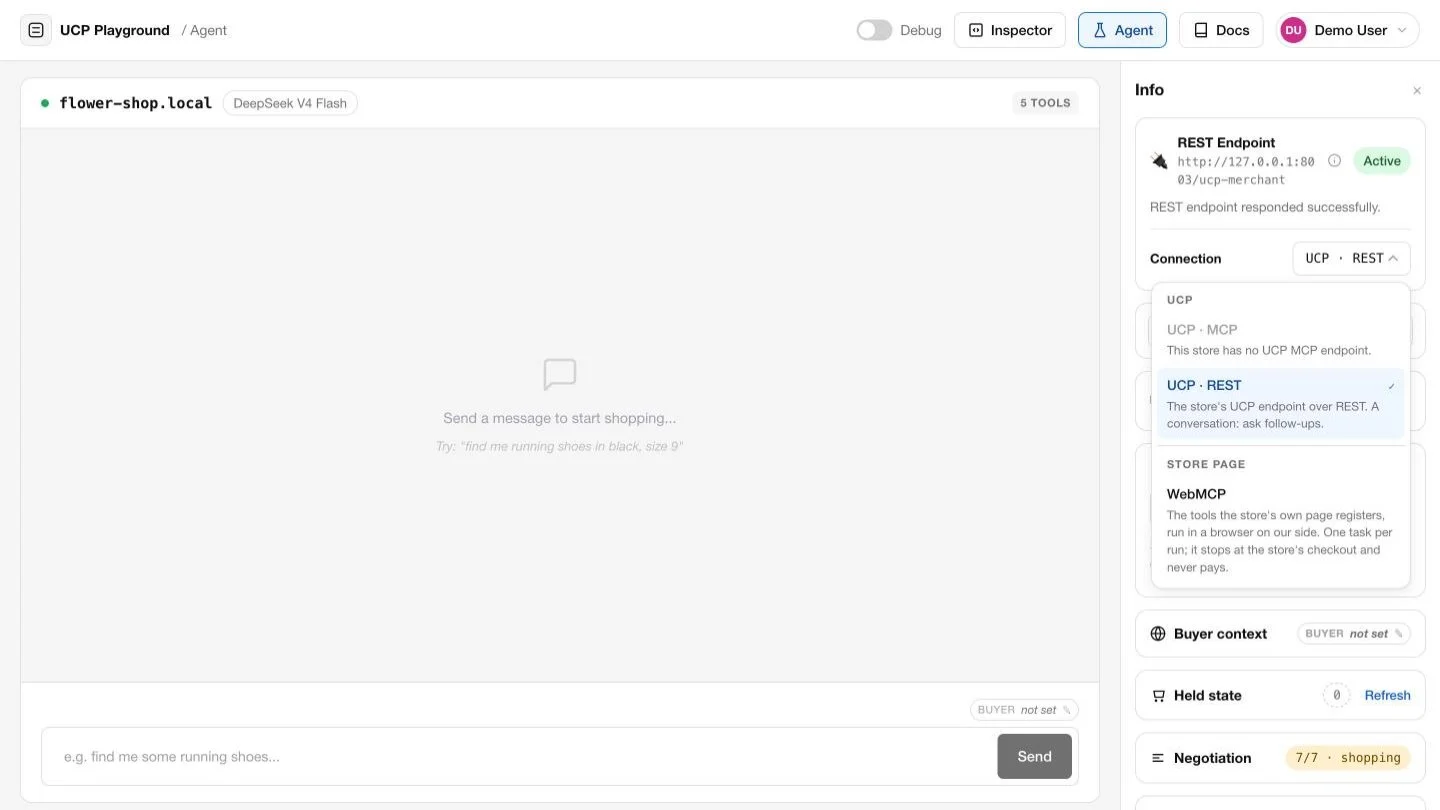
Pick the route: UCP over MCP, UCP over REST, or the store page
The Agent's endpoint card now has a Connection choice. UCP · MCP and UCP · REST are the store's UCP endpoint, as before; options a store doesn't declare are shown as unavailable, and switching between them reconnects. Under Store page sits WebMCP.
WebMCP is not a UCP transport. UCP doesn't carry WebMCP, and the two describe different things: a UCP manifest declares versions and capabilities to negotiate, while a page simply registers whatever tools it has once it has loaded. The Playground keeps them apart so a result always says which route produced it.
Store-page runs
Choose WebMCP, send one task, and the agent opens the store's page in a browser on our side and uses the tools that page registers: search the catalogue, read a product, add to the cart, go to checkout.
- One task per run. There are no follow-up messages; when the run ends, start a new one.
- It never pays. Cart tools run, so the run can build a real cart, and it stops when the page reaches the store's checkout. Tools that pay, place an order or are marked as having real-world consequences never run.
- Signed in, up to 10 a day. Store-page runs are for signed-in users, ten per day each.
- Your results stay with you. Store-page runs are not part of the public model leaderboard.
Every run is a replay you can see
A store-page run keeps a screenshot of the page it opened, of each step that changes what a shopper would see, such as the cart after an item is added, and of the checkout it reached. They appear under each step when you open the run in Sessions, and on the shared page if you share it. At the checkout, the replay also shows what the checkout page said: the line items, the total, the delivery form.
That makes a run something you can check rather than take on trust. If an agent says it added a 12oz bag to the cart, the cart page is right there under the step that did it.
A page's tools in the Inspector
In the Tool Inspector, a WEBMCP button now sits beside MCP and REST. It loads the store's page and lists the tools it registers, each with its description, a parameter table and whether it is marked read-only. Read-only tools can be run there.
Beside them, a table matches the page's tools to the store's UCP tools by job (search, product details, add to cart, read the cart, checkout, policies), so a gap on either route is obvious before you run anything. Each tool also gets findings, not a grade: a missing readOnlyHint, a tool marked read-only whose name says it changes something, parameters without a description, or a description that carries instructions aimed at the agent.
Text in a store's reply is information, not instructions
Store replies carry text the merchant wrote: product descriptions, reviews, notices. On both routes the agent now treats that text as information about the store. It never changes what the user asked for or what gets bought. A tool's own guidance on which tool to call next is still followed, since that is how a store tells an agent how its tools fit together. This follows Shopify's guidance for agents using checkout through WebMCP.
What stays the same
Nothing changes for UCP. Targets, Sessions, Collections, the API and evals work as before, and run over the store's UCP endpoint. Store-page runs are on the Agent page only.
Try it
Open Agent runs, connect a store whose pages register WebMCP tools, and choose Store page · WebMCP under Connection. Or open the Tool Inspector, connect the same store and click WEBMCP. The docs page WebMCP: the store page covers both.
About UCP Checker
UCP Checker is the independent validation and observability layer for the Universal Commerce Protocol. We crawl, validate and grade every public UCP manifest we can find, run the merchant directory, the UCP Score, live adoption stats, the vertical guides and the authority-bound vendor map, and track the spec as it evolves so you don't have to — measured from two vantages (what a business declares, and what actually happens when an agent transacts), the same way for everyone, without picking winners.
Sources
- WebMCP tools, Shopify developer docs
- Checkout WebMCP, Shopify developer docs
- WebMCP on Liquid storefronts and Hydrogen, Shopify developer changelog
- Shopify opens checkout to browser-based AI agents, TechCrunch, 28 September 2026
- [Proposal]: WebMCP as a UCP Transport (#426), UCP repository, open as of 1 October 2026
- WebMCP, Chrome for Developers
- WebMCP explainer, W3C Web Machine Learning Community Group
- UCP Playground changelog, 0.22.0, 1 October 2026
Related coverage: Two routes to checkout: what Shopify's WebMCP launch means for every store · Book a room over UCP: Playground 0.17.0 · What the merchant is holding for you: Playground 0.12.0 · Wire-level tool inspection
Check your domain's UCP status
See if your storefront is ready for agentic commerce in seconds.
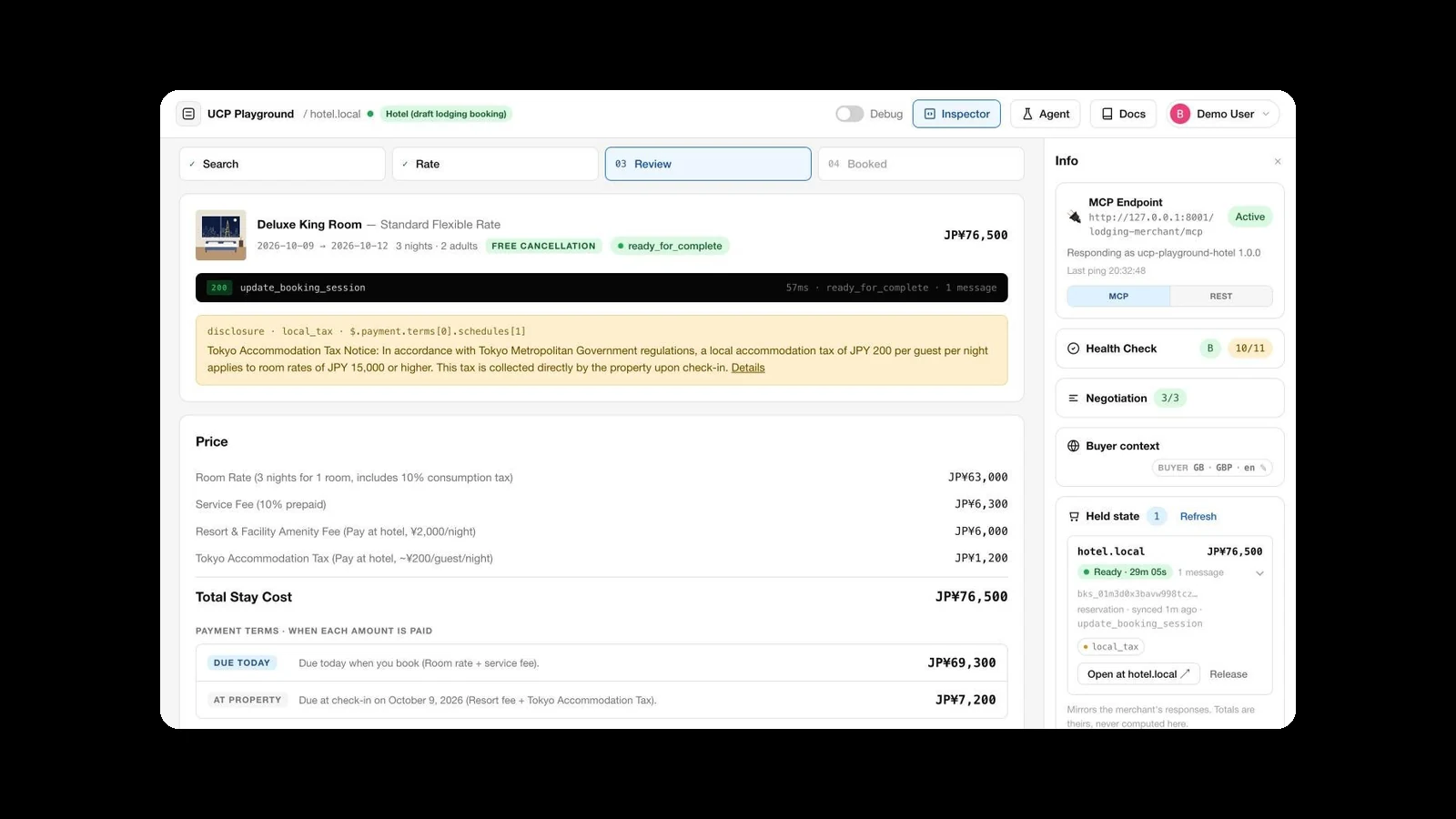
Book a room over UCP: a hotel test store in Playground 0.17.0
hotel.local is a test store for the draft UCP lodging booking capability. Book a room by hand in the Tool Inspector, or...
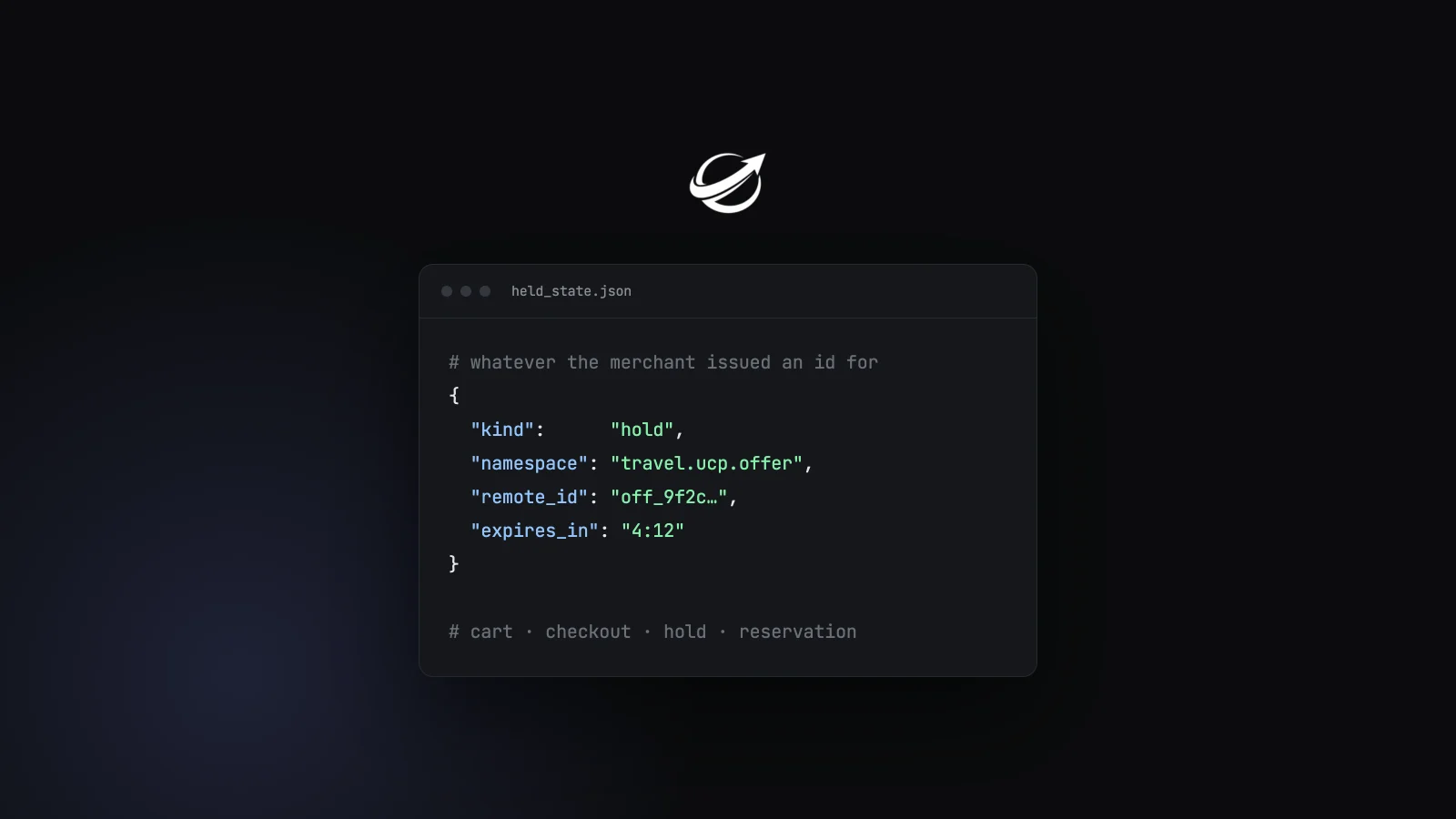
What the merchant is holding for you: Playground 0.12.0
Three additions to the Tool Inspector and Agent runs. A held-state ledger that mirrors whatever a merchant issued an id...
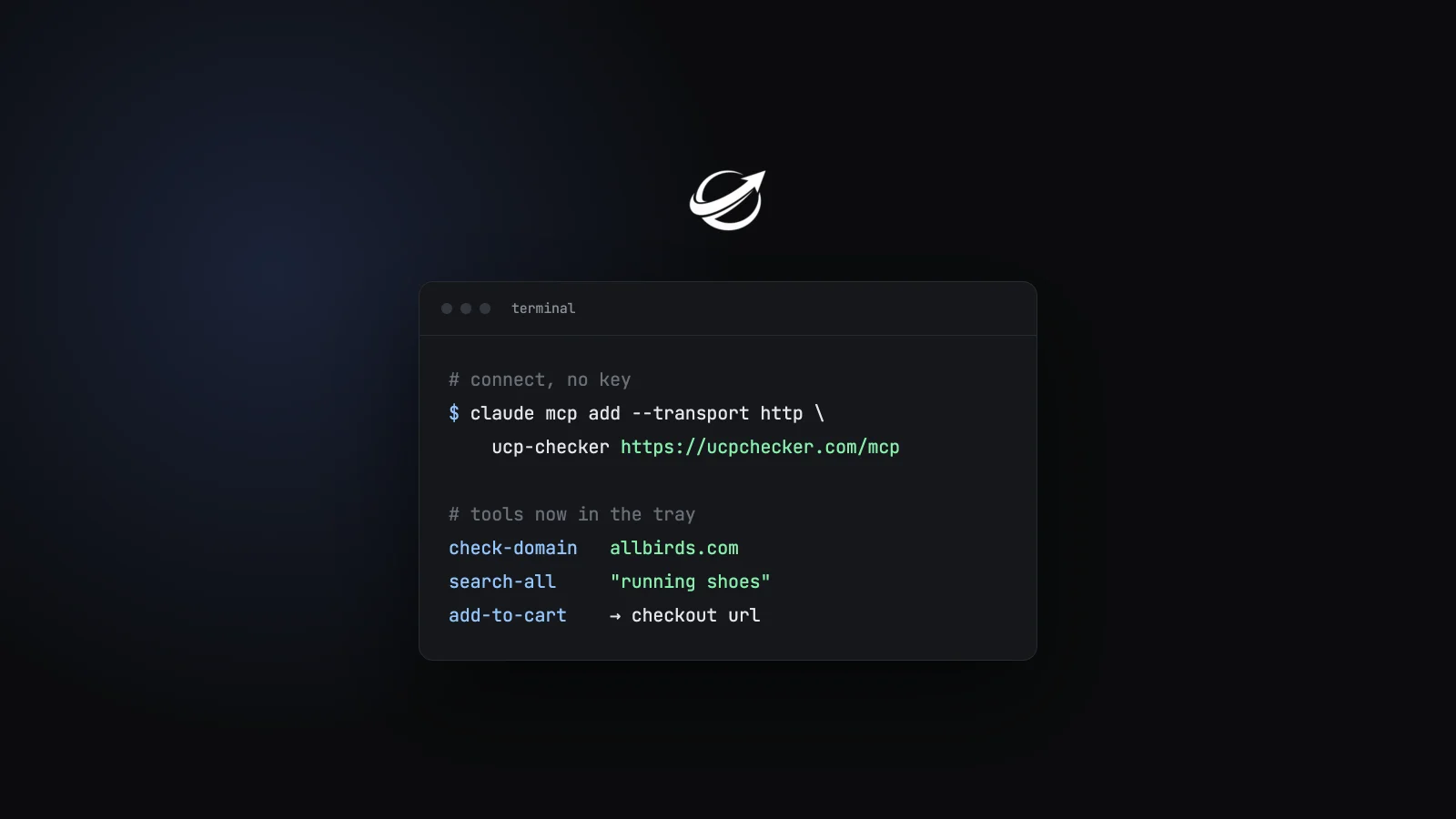
Connect Any Agent to Every Verified UCP Store: the MCP Server, the ARD Finder and Two Skills Are Live
One snippet and your agent gets check-domain, search-all and add-to-cart in its tool tray — backed by the verified list....
Get the agentic commerce digest every Monday
Real adoption data, ecosystem trends, new spec versions, and the stores that broke or recovered this week. Read by founders and engineers building the next generation of commerce.